The robot that knows your building.
BroBot is an autonomous indoor service robot designed and built by BROTECH in Kütahya, Türkiye. It greets visitors, notifies the host, rides the elevator to the right floor and walks them to the door.
5 robots in production · First commercial delivery October 2026
The screen visitors talk to.
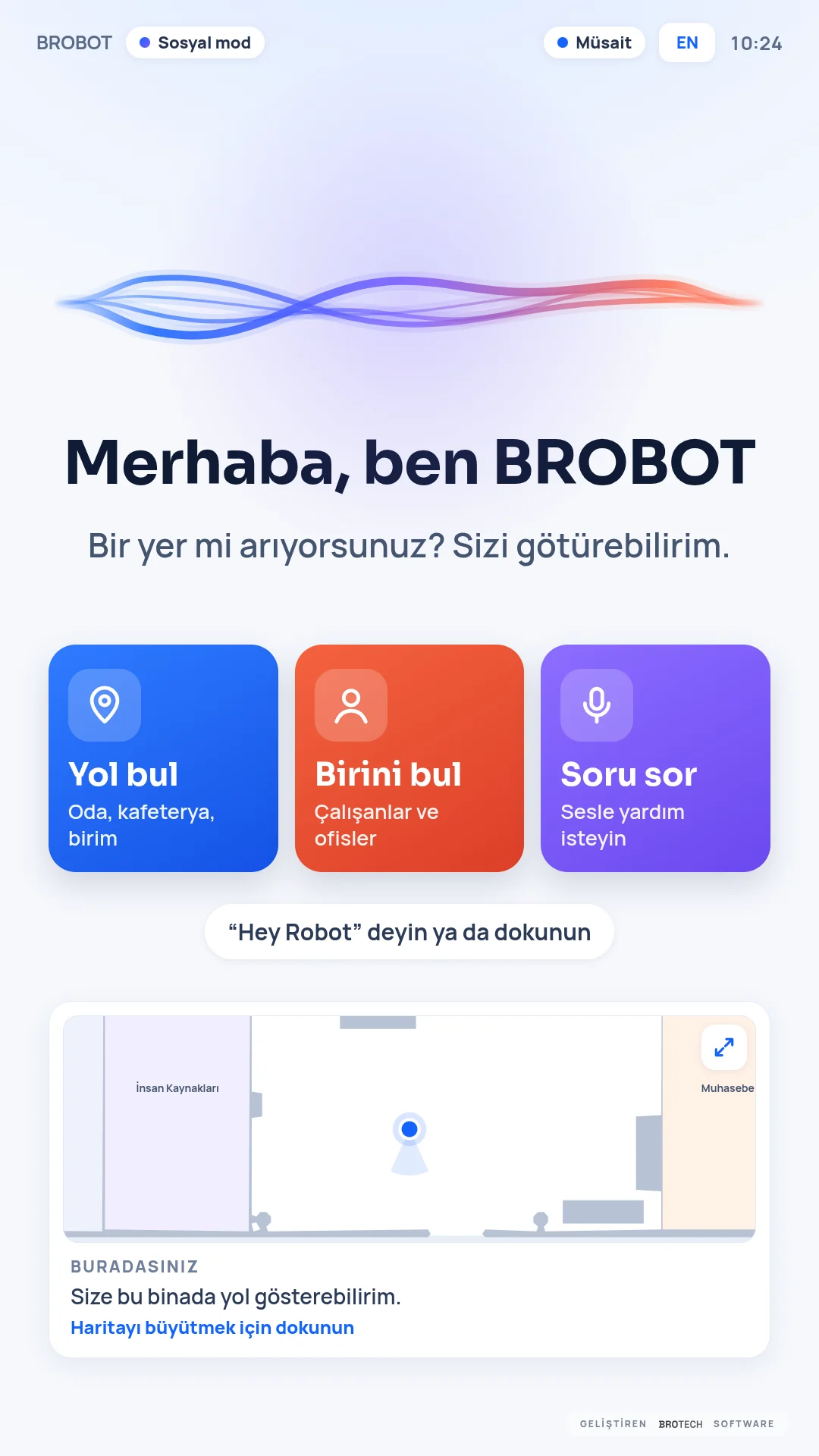
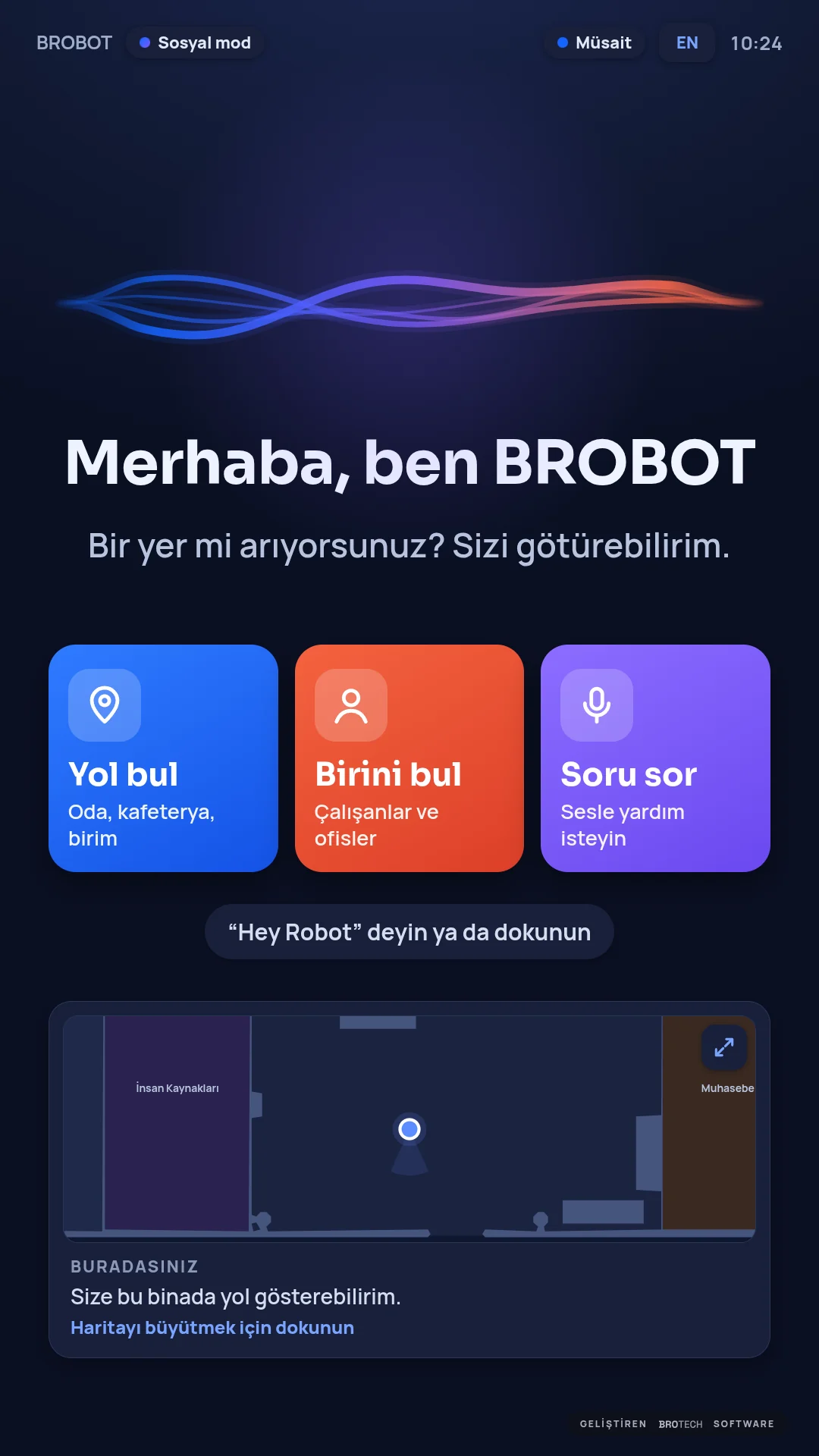
The portrait touchscreen on the chest (1080 × 1920) greets the visitor, listens and shows the way. These are the robot's own screenshots.
01
Greeting
Notices a visitor the moment they arrive and greets them, each person once. Recognises staff who opted in by name and title; face recognition runs on the robot, no image leaves it.
Recognition on the robot02
Choosing a place
The building's places are listed with their floors. The visitor taps or simply says: “Take me to the meeting room.”
Touch or voice03
Notifying the host
Before setting off it notifies the host by phone call, WhatsApp or push notification, and tells the visitor the host knows.
Call · WhatsApp · Push04
Guiding
Leads at a walking pace and waits for the person following; calls the elevator, boards and gets off on the right floor if needed. A live map on the screen; a touch stops it.
Between floors


Your building, your brand.
One of BroBot's strongest points: the kiosk screen and the voice assistant are personalised for your organisation. We set it up; you manage places, people, knowledge and the theme in BroBot Studio.
- Kiosk screen
- Your logo and colours; light or dark theme.
- Voice assistant
- It knows your organisation; you decide what visitors can ask it.
- Places and floors
- Rooms, offices, meeting rooms; each with its floor.
- People
- Hosts and staff who opted in; how to reach them.
It uses the elevator itself.
When the place is on another floor, part of the journey is in the elevator. BroBot calls it, boards, turns in the car and exits on the target floor.
4/4elevator rides between two floors in a field test by our team
Where no elevator card is fitted, an operator link can answer the elevator side.
- 01Calls
- 02Boards
- 03Turns
- 04Exits
12 hours on one charge.
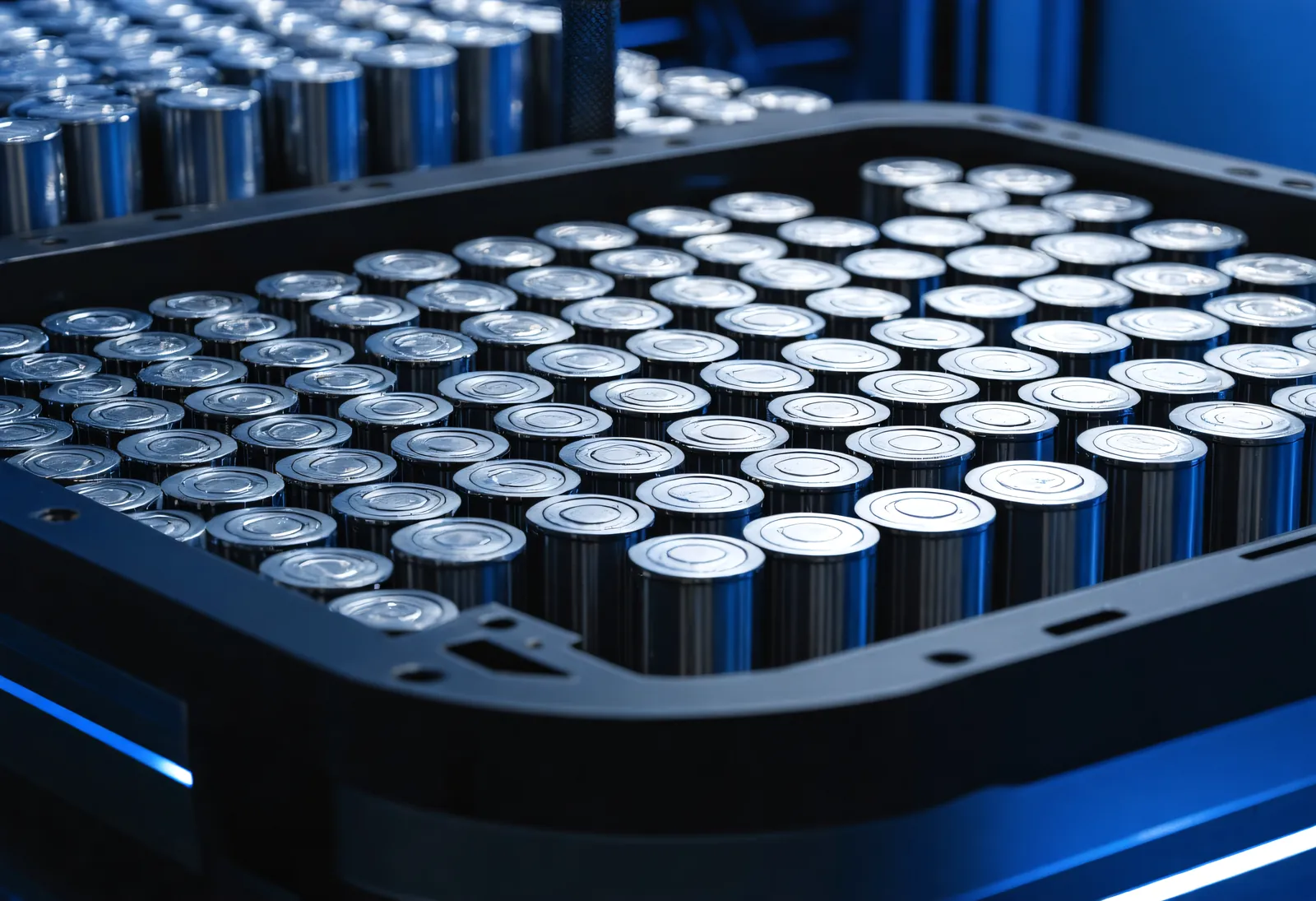
We designed and built BroBot's lithium-ion battery pack ourselves. It works for up to 12 hours on one charge and charges from 10% to 80% in about 2 hours. The pack is monitored cell by cell, on the customer portal's electrical page.
- 12 h
- Of work on one charge
- ~2 h
- From 10% to 80%
- Li-ion
- Battery pack of our own design
It goes to its charging station by itself.
When it needs charging, it goes to its station, backs in and charges; nobody has to plug in a cable. Once charged, it goes back to work. After hours it waits on its station and starts the day by itself in the morning.
- 01Approaches
- 02Turns around
- 03Backs in
- 04Charges
It speaks Turkish and translates between languages.
It holds natural, short spoken conversations in Turkish on any topic. The four-microphone array on its head finds the direction of a voice and cancels echo. In interpreter mode it translates live between two languages.
- Wake phrase
- Say “Hey Robot” or touch the screen.
- Barge-in
- Optional: you can interrupt while it speaks.
- Interpreter mode
- Visitor and host each speak their own language.
- Visitor · EN
Hello, I have a meeting at ten.
- BroBot · TR
Merhaba, saat onda bir toplantım var.
- Host · TR
Hoş geldiniz, birazdan yanınızdayım.
- BroBot · EN
Welcome, I'll be with you in a moment.
All day, on its own.
- 01
Staff recognition
Recognises staff who opted in by name and title; recognition runs on the robot's own GPU.
- 02
Head display
The 10.1-inch head display is BroBot's face; visitors see the face of the robot they are talking to.
- 03
Patrol
Scheduled patrols and timetabled tasks.
- 04
Remote management
Customer portal, monthly report, remote tasks; releases arrive over the air and can be rolled back.
Perception, compute and motion in one body.
We design the hardware and the software in the same team, motor-control firmware included.
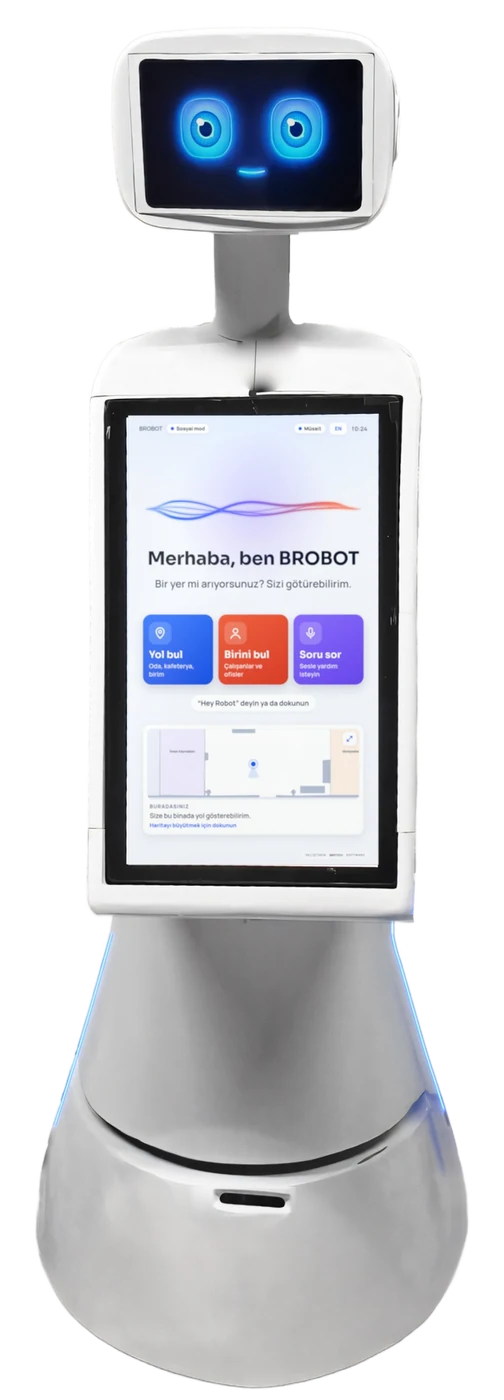
- 01Microphone array4 microphones · voice direction, echo cancelling
- 02Head display · 10.1″BroBot's face
- 03Chest screen1080 × 1920 portrait touchscreen
- 04360° LiDAR0.36 m high · 25 m range
- 05Status lightsShow what it is doing
- 06Front bumperStops the robot on contact
Body and drive
- Height
- 1.60 m
- Chassis
- Round, Ø 0.62 m
- Drive
- Differential, two hub motors, casters
- Motor control
- In-house STM32 firmware, CAN bus, 100 Hz, watchdog
- Battery
- Lithium-ion, our own design
- Working time
- Up to 12 hours on one charge
- Charging
- Autonomous, on its station; 10% → 80% in about 2 h
Perception
- 360° LiDAR
- 25 m range, 0.36 m above the floor
- Depth camera
- Looks forward and 30° up
- Microphones
- 4-microphone array; voice direction, echo cancelling
- Other
- Face camera, IMU, wheel odometry, front bumper
Compute and displays
- Edge AI
- NVIDIA Jetson AGX Orin
- Chest display
- 1080 × 1920 portrait touch
- Head display
- 10.1″, animated face
- Safety hardware
- Hardware emergency stop, bumper
All values are specifications verified by our team. Values not listed here, such as payload and speed, are for the conversation.
Built for real buildings.
- 01
Doors
Passes 0.80 m doors; works with automatic doors.
- 02
Low obstacles
Sees thin barrier tapes and belts.
- 03
Elevators
Answered through an operator link where no card is fitted.
- 04
Privacy
Staff recognition only with consent; processing on the robot, with KVKK in mind.
The robot behind the drawing.
Installation, data, updates.
How long does the battery last?
Up to 12 hours of work on one charge. When it needs charging it goes to its station by itself and charges from 10% to 80% in about 2 hours.
What does installing BroBot take?
We map the building and define places and people in BroBot Studio; then the company runs it. Elevator integration uses a card or the operator link.
Where is face data processed?
On the robot, on its own GPU. No face image leaves the robot for recognition; staff recognition is on only for staff who opted in.
How do updates arrive?
Over the air; every release is tested before it reaches a robot and can be rolled back. Encrypted backups are kept every night on the robot and in AWS.
Which buildings does it work in?
Corporate buildings, industrial sites, universities: 0.80 m doors, automatic doors and elevators. Let's look at your building together.
BroBot in your building.
Tell us about your floors and your visitor flow; let's schedule a call.